
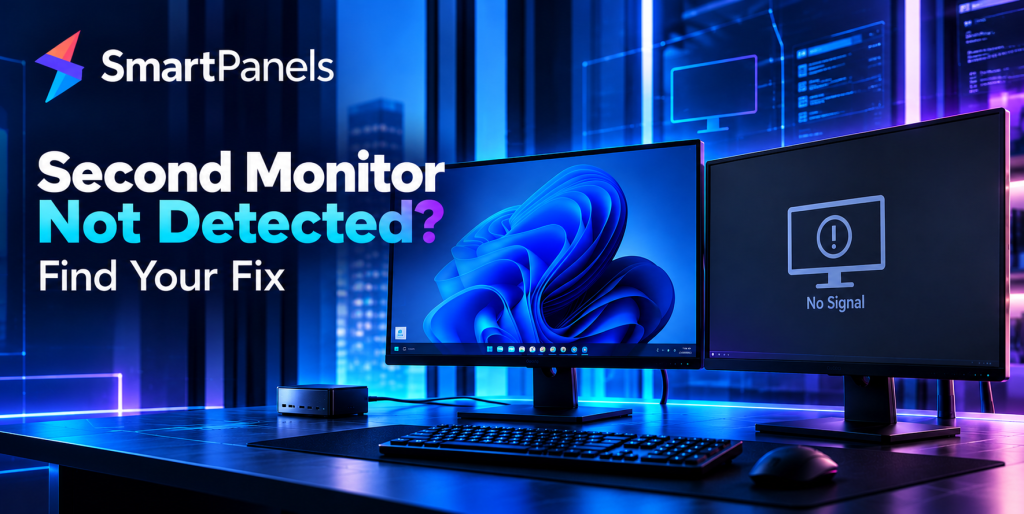
There is nothing to spoil your workday like a black second screen. You connect the cable, hit the power button and for all your efforts, nothing comes of it. Windows will only show you one display, leaving that extra real...
SmartPanels is a feature-rich productivity app for Windows 10 and 11. It allows you to auto-restore and auto-arrange the desktop apps, browsers, and MS office files on multiple displays and profiles. It eliminates the headache of manually arranging apps every time before getting started on work and ultimately increases productivity at work. With one click, you are all set to get the job done! This article is a quick guide to use SmartPanels on Windows 10 and 11....
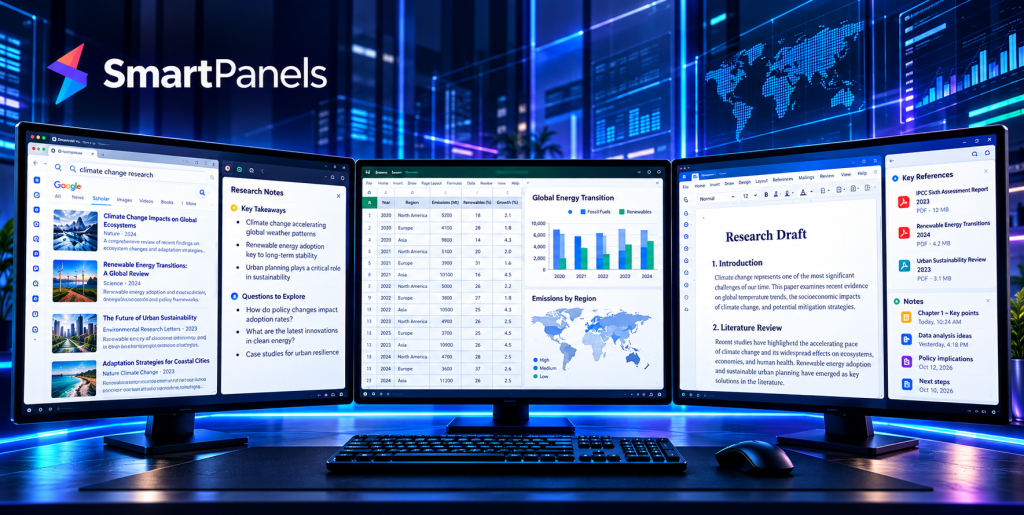
Consider the contrast between two typical mornings. A forex trader opens a broker platform, an economic calendar, and charts across a multi monitor setup. A researcher, meanwhile, keeps source tabs, PDFs, a draft, and a spreadsheet open. Yet both waste...
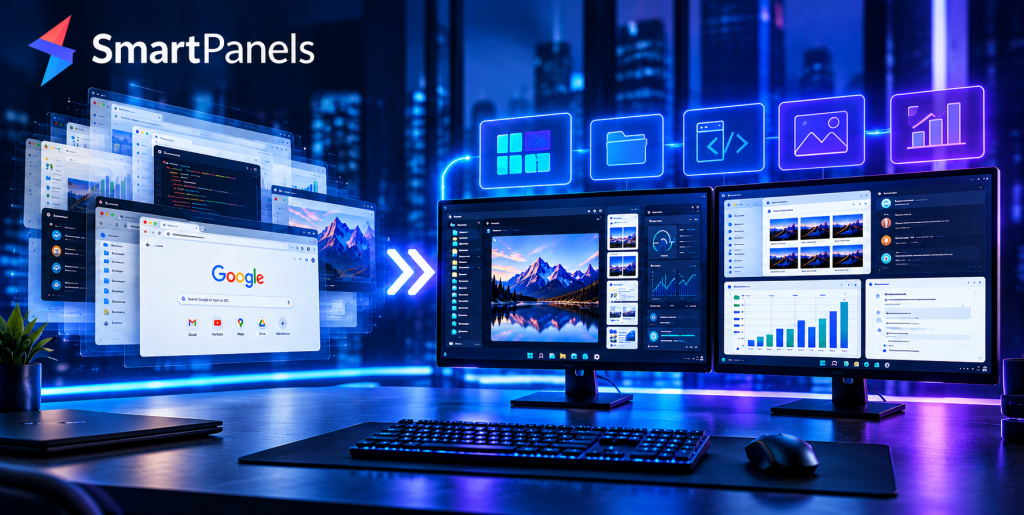
It is a Monday, and you have your laptop in front of you, but the desktop does not look right. Windows are open where they should not be; the second monitor is of no use. And you have a meeting...
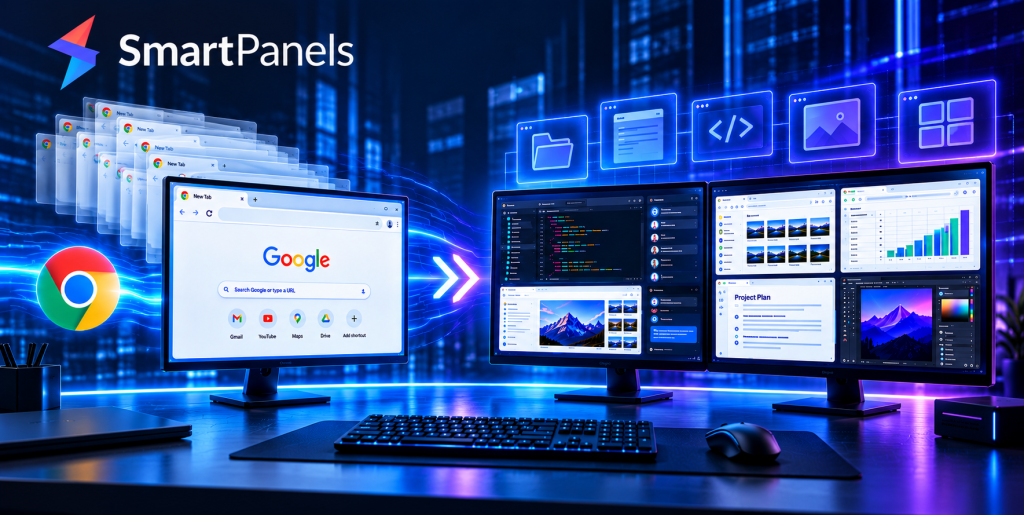
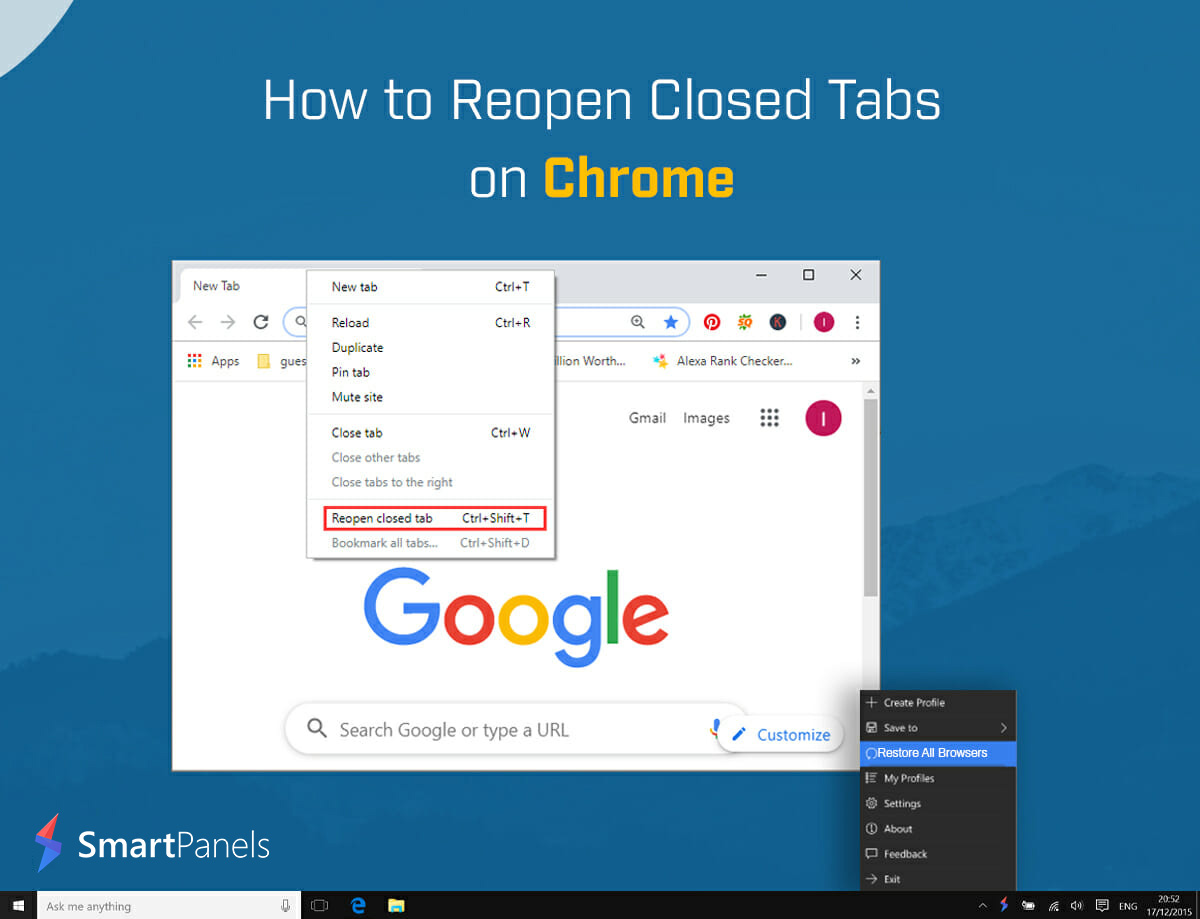
There is nothing like the feeling of losing your tabs right before a deadline. It can be an update, a crash, or just one ill-advised click that has the browser shut down and all your work with it. But there...
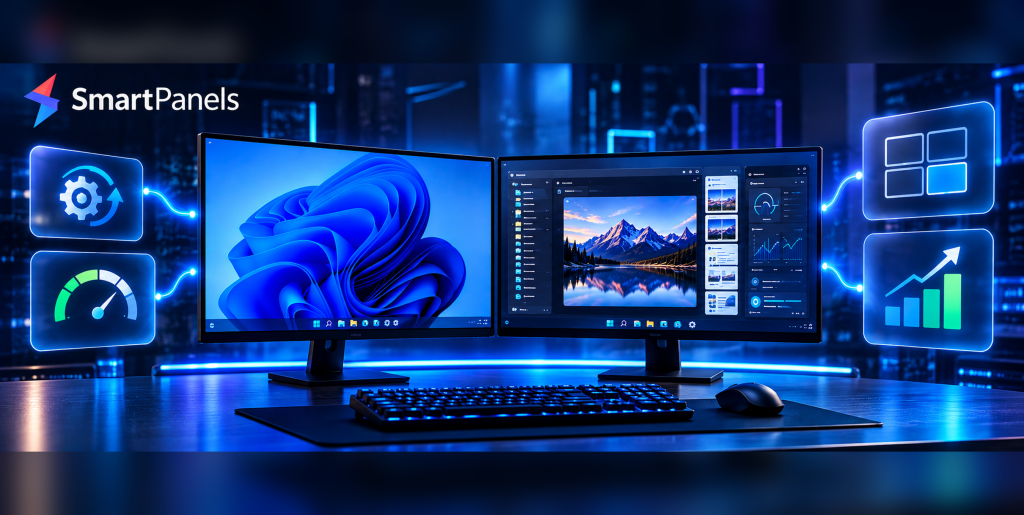
Many people ask when you run dual monitors does it slow GPU down, and the honest answer is: it depends. A second screen adds real value for work and gaming. Then there is the matter of what this put on...
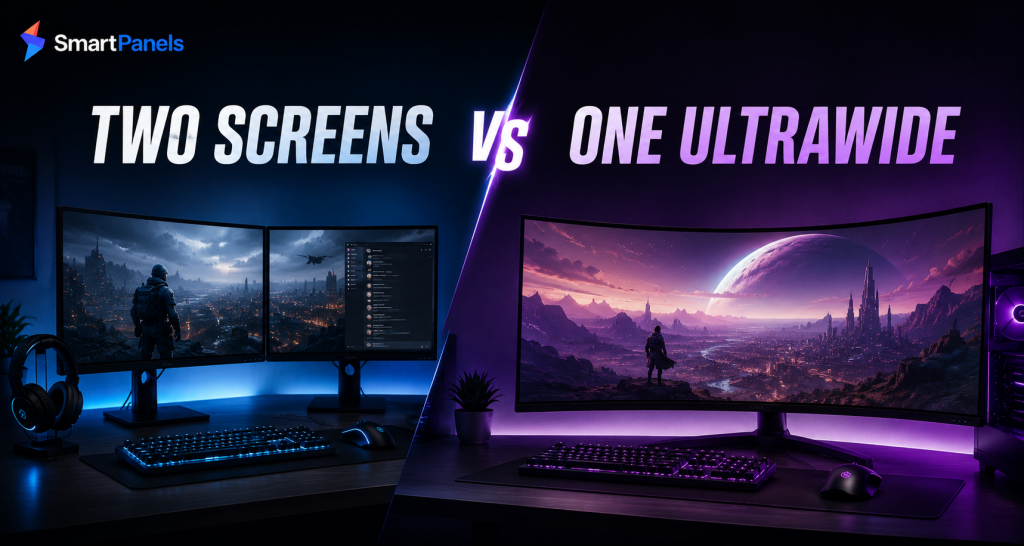
Plenty of dual-monitor set-up advice amounts to “put two screens on a stand and you are done.” We think that view is incomplete. A good setup depends on more than spec-sheet figures. Panels, mounts, cabling, and window management must hold...
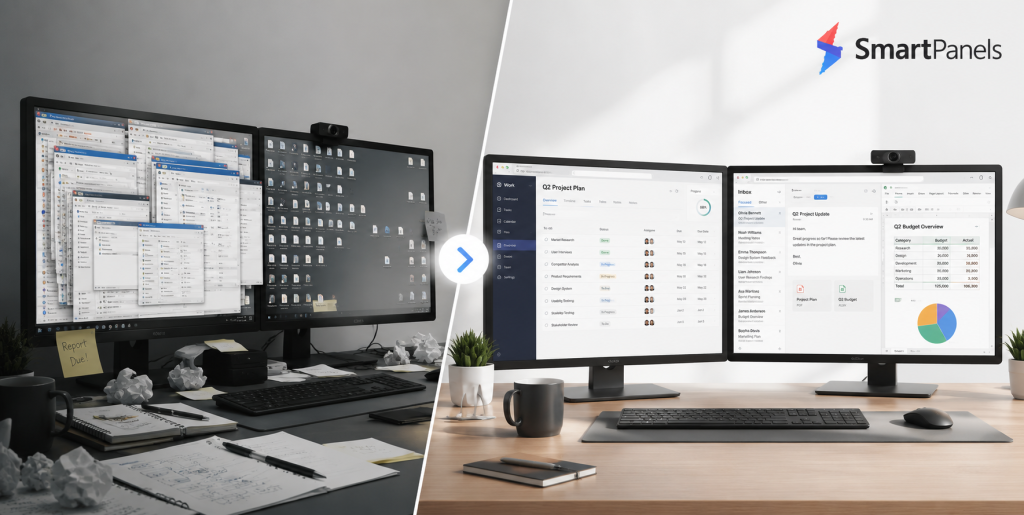
There is a good case for doubling the active screen on your laptop with a dual monitor setup; it will have you working at a much better pace day in and day out. Then there is the question of how to go...
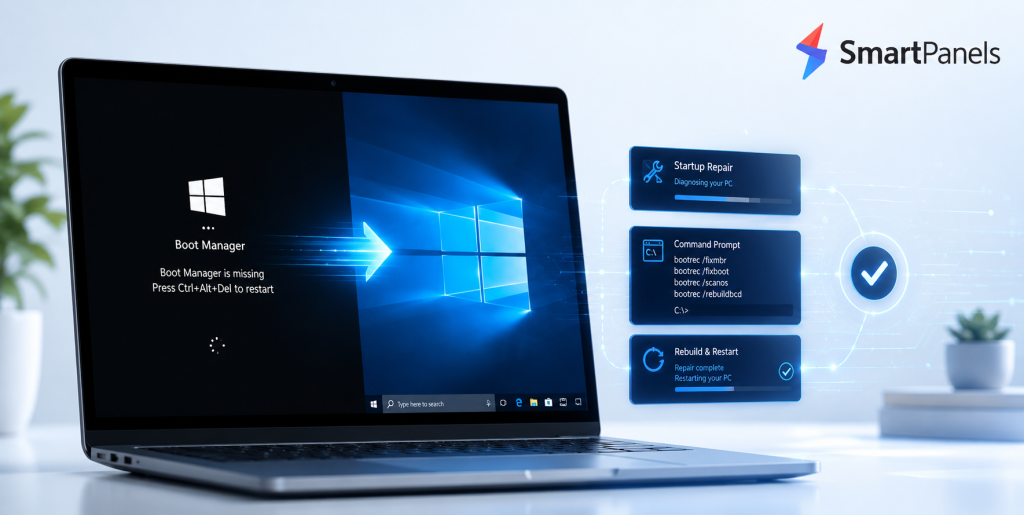
There is not much that can throw you off balance like a PC that won't load Windows. Hit the power and, instead of your familiar desktop, you see some obscure error message. The culprit is usually the Windows Boot Manager, that unassuming program responsible for getting your...
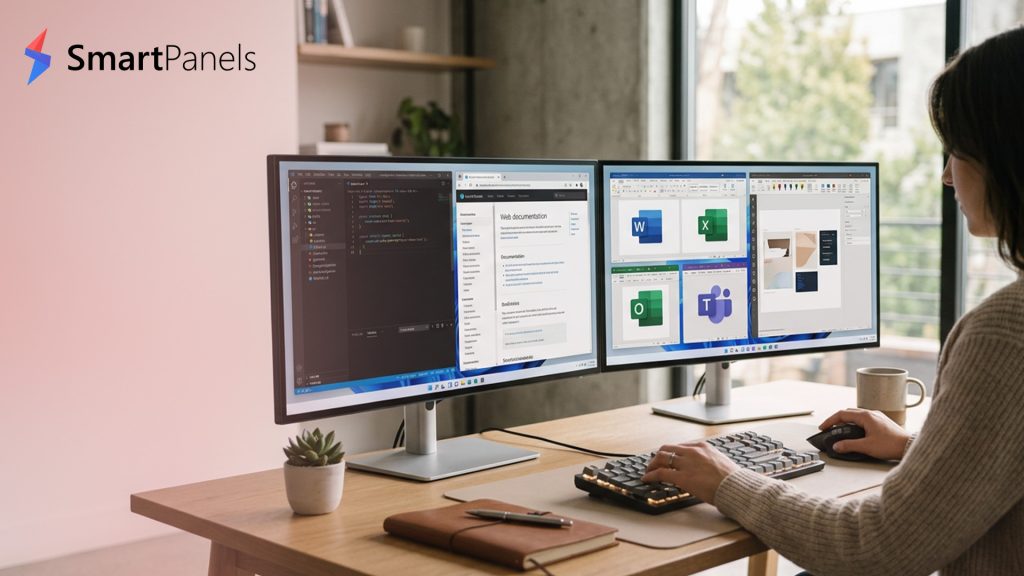
On the surface, using a pair of monitors is no trouble at all. But try undocking or rebooting, and your windows will scatter to the four winds. Repositioning the same applications every morning is a frustrating waste of time and concentration. The good news...