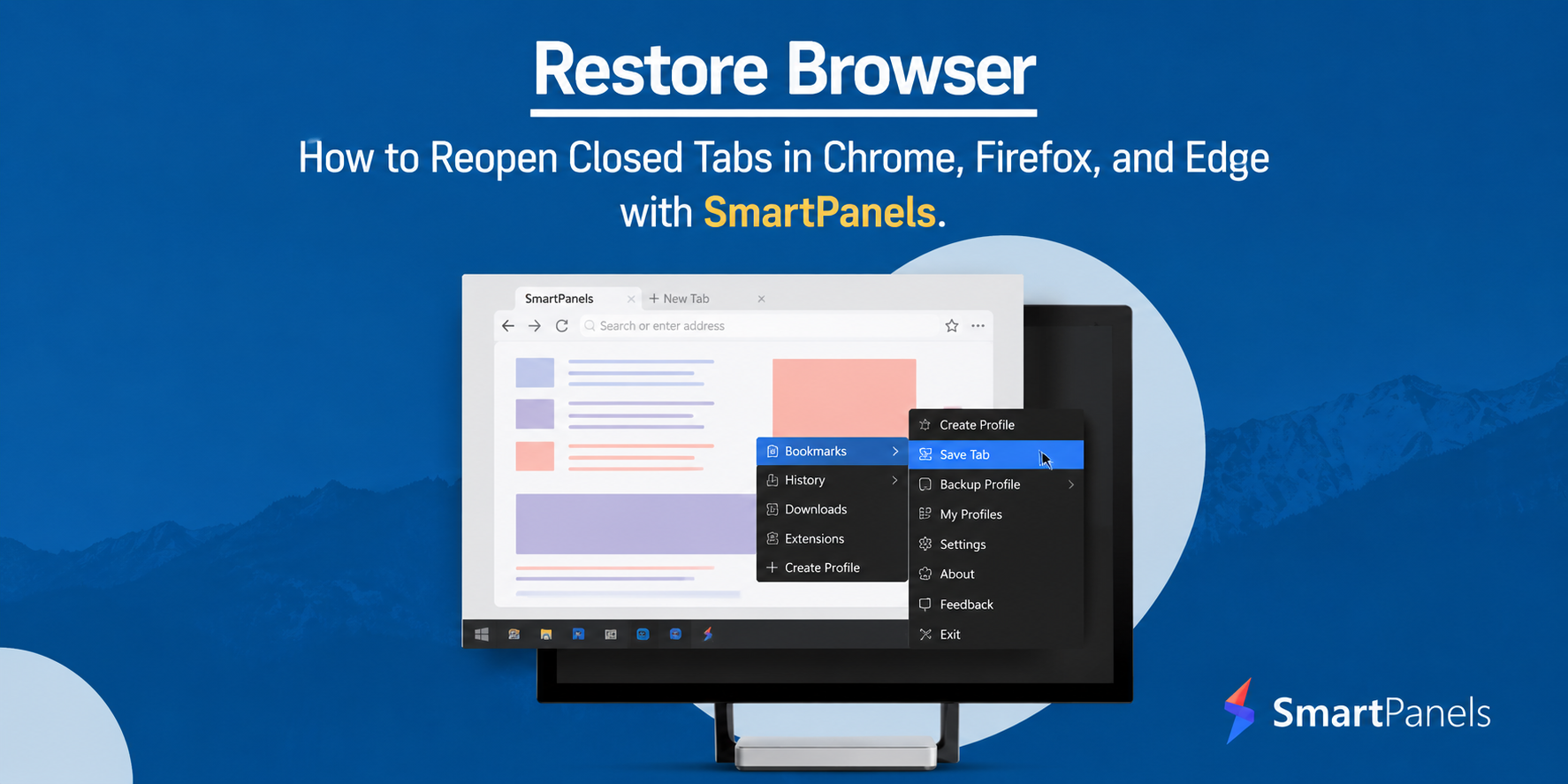
If you work on multiple tabs and Google Chrome windows, you might have accidentally closed the browser window or tab on your browser.
This is a common issue faced by every browser user. When a dozen tabs are opened in one Chrome window, it becomes very difficult to find the one you are looking for and sometimes you mistakenly close the tab due to the mess on the window. To eliminate this headache, you often open more windows of the same browser, adjust their window size, and position them on the screen for easy access.
The problem doesn’t end here. There are still chances that your entire Chrome window gets closed with an accidental click on “X”.
In any case, your research gets closed and it is a cumbersome process to reopen recently closed tabs on Chrome manually by searching them again. To avoid this, you can follow certain steps to restore the chrome tabs.
How to Restore Tabs on Chrome?
To restore tabs on Chrome, you can follow the following steps:
To Reopen Tab-Wise:
If you want to open a limited number of recently closed tabs, keep using the shortcut “Ctrl + Shift + T”.
To Open the Entire Window or Tab Groups:
- Go to Google Chrome and right-click on the Chrome bar at the top-right corner.
- Navigate to “History” and the tabs count.
- Click on “Restore all tabs”.
The process is easy but the problem comes when you are supposed to follow these three steps every time to open multiple Chrome windows and hundreds of tabs.
The solution is: SmartPanels
SmartPanels is a Windows productivity app for Windows 10 and 11 that allows users to reopen the closed windows of Chrome automatically. SmartPanels helps users save time and maximize productivity at work with its many features.

SmartPanels
Restore Browser Tabs with SmartPanels. It maintains an active tab history and restores browser size as well as display position on one screen or many.
Restore Chrome Tabs & Windows Efficiently with SmartPanels
The multi-browser and multi-tab feature of SmartPanels supports various browsers such as Google Chrome, Firefox, and Microsoft Edge. It allows users to reopen closed Chrome windowsand tabs with just one click.
SmartPanels maintains an active tab history of multiple browser windows with respective URLs. You can reopen the Chrome tabsin one or multiple windows with a single click. This capability of SmartPanels eliminates the headache of reopening the closed tabs in each browser separately by following the same number of actions.
Reopen Tabs & Windows in One or Many Screens
SmartPanels allows you to create unlimited profiles and up to 6 displays. On each display, you can open as many browsers as you want. In each profile and display, it is very time-consuming to restore the tabs on multiple browser windows. SmartPanels restores the Chrome recently closed tabswith just one click. So if you are working on multiple browser windows all at once for multiple purposes, you can save the display settings in SmartPanels, and restore them anytime. It eliminates the need to manually open tabs in each browser in each profile or display.
Auto-Arrange Window Size and Position
When you are working on multiple browser windows by arranging the desktop screen with the desired window size and position on the screen, it becomes tedious to arrange the windows again on every startup. SmartPanels gives your Windows 10 and Windows 11 support to auto-arrange the browser windows with exactly the same window size and position on the screen as you saved the last time. Moreover, if you are working on multiple browser windows all at once, and save the display configuration of your browser, SmartPanels has the capability of restoring browser windows again with the same window size and position on the screen. It opens closed tabs of Chrome automatically with one click. This saves much of your valuable time and you are ready to work with one click.
Advantages of Multi-Browser & Multi-Tab Support
If you do research work, then browsers are an important part of your life. So, it is important to keep an active history of all your tabs and browser windows. SmartPanels makes your Windows 10 and 11 smarter by allowing it to reopen chrome windows and tabs with a single click. Save time and browse smart!
Some advantages of SmartPanels’ multi-browser and multi-tab feature include:
- Efficient management of projects and tasks on multiple browser windows.
- Auto-arrangement of browser windows with a single click.
- Auto-restoration of hundreds of tabs in one or many browsers in the blink of an eye.
- Optimized system performance when dozens of tabs and browser windows are opened in separate profiles and displays.
- Remember URLs associated with each browser window.
- Increase your productivity at work by saving your precious minutes with auto-restoration of tabs and browsers.
Empower your Windows with SmartPanels!